






















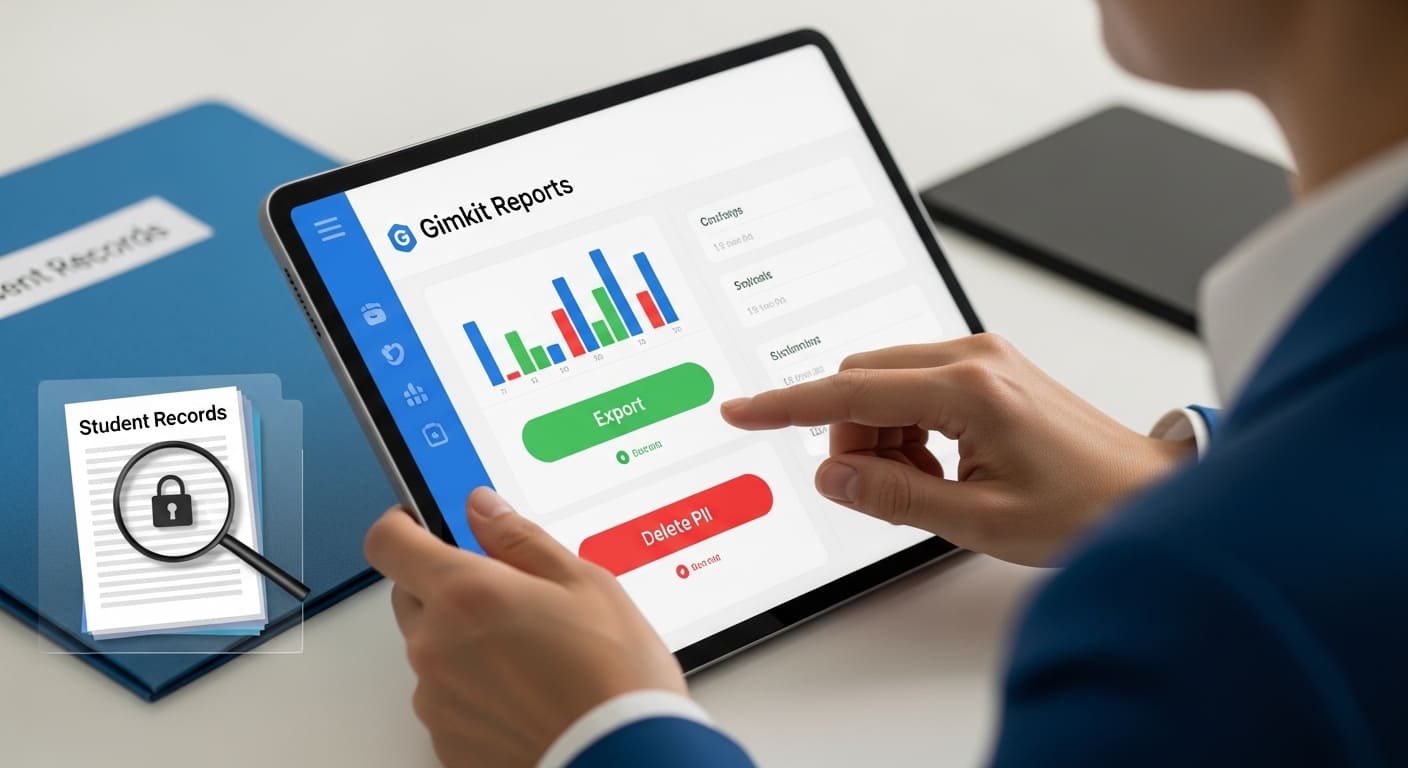
Hey there! It’s Amelia Bree, and let’s be honest, data privacy is the part of being an educator that no one teaches you in college. We all adore the classroom fun that Gimkit brings, but when a student transfers mid-year or that dreaded summer break looms, the panic starts: “How do I handle their data? Am I following FERPA?”
Trust me, I’ve been there. After years of running my own Gimkit classes, I learned the hard way that a little proactive Gimkit data management saves a huge headache later. The good news is, Gimkit makes it straightforward once you know exactly where to click.
This isn’t some generic legal document. This is your practical, teacher-to-teacher guide on how to export student data from Gimkit and, more importantly, how to permanently delete student data from Gimkit. We’re making compliance easy, so you can get back to creating kits!
Quick Decision: Should I Export Student Data, or Delete It?
Before jumping into the dashboard, ask yourself this one question. This checklist, based on practical student records management, will guide your next step:
| Scenario | The Teacher Action | The Why (Compliance & Best Practice) |
| End of School Year | Export first, then delete the class. | You need to keep academic records for the required period, but you must safely dispose of PII when retention rules expire. |
| Parent Request for Data | Export and provide the file. | FERPA gives parents the right to review their child’s educational records. |
| Parent Requests Deletion | Delete the specific student’s data. | They are exercising the “Right to be Forgotten,” a core element of modern data privacy compliance. |
| Student Transfers Mid-Year | Remove the Student from the active roster. | Keeps your current class list clean; historic data remains in reports for required retention. |
| District Audit/Review | Export specific game results or performance reports. | Provides documentation of student engagement and formative assessment data. |
Understanding the Stakes: What Data Are You Protecting?
As teachers, we are trusted stewards of student information. Protecting PII (Personally Identifiable Information) is paramount, and it starts with knowing what information is actually collected.
The Gimkit Data Footprint: What They Collect
 Gimkit is built for education, so its data collection is generally focused on game performance and account identity. Here’s what you’re handling:
- Identity Data: For teachers, this is your email and name. For students joining classes, it’s typically their name or username—the direct link to their identity.
- Performance Data: This is the rich stuff we use! It includes scores, coins earned, correct/incorrect answers, timestamps, and which Gimkit Games on Zoom/Google Meet they participated in.
- Usage Data: Gimkit logs things like IP addresses, browser info, and general activity for security and service monitoring.
🔒 Expert Perspective: My experience shows that school-linked accounts often have extra security layers. But even for basic accounts, because this data is tied to minors, laws like COPPA (Children’s Online Privacy Protection Act) apply. Rest easy knowing that Gimkit explicitly details its protections in its Gimkit’s Privacy and Security Features documentation. You can also review Gimkit’s official privacy policy for specifics.
Compliance 101: FERPA, COPPA, and the Right to Be Forgotten
 Your role in Gimkit data management is tied to major privacy laws:
- FERPA (Family Educational Rights and Privacy Act): This law, backed by the federal FERPA guidelines from the U.S. Department of Education, dictates that parents have control over and access to their student’s education records. This is why you must know how do i export data from Gimkit quickly.
- COPPA (Children’s Online Privacy Protection Act): When working with younger students, you are adhering to the official COPPA compliance rules set by the Federal Trade Commission, ensuring minors’ data is handled securely.
- The “Right to be Forgotten”: Especially relevant in the age of global platforms, this concept (codified in frameworks like GDPR Article 17 on the Right to Erasure) requires that when data is no longer necessary, or a person (or parent) requests it, that data must be securely and permanently deleted.
Tutorial: How to Export Student Data from Gimkit
This is the process you’ll use to download Gimkit results for historical record-keeping or if a parent requests a copy of their student’s progress.
Step 1: Locating the Game Reports
- Get to Your Command Center: Log into Gimkit and head straight to your Gimkit dashboard guide.
- Click ‘Reports’: You’ll find this on the main navigation panel. This area houses the student performance data for every game you’ve run or assigned.
- Find Your Game: Click the specific assignment or live game you need the data from (e.g., “Math Review – Blastball”).
Performing the Gimkit Student Information Download
- Spot the Export Button: On the detailed report screen, look for the Export button. It usually has a clear icon—a little arrow pointing down—and is typically located near the top right of the report overview.
- Select CSV Format: Gimkit generally provides the data in a CSV export (Comma Separated Values) format. This is fantastic because it opens perfectly in Excel, Google Sheets, or your district’s official tracking system.
- Download and Organize: Click Export. The file drops right into your computer’s Downloads folder. My personal tip? Immediately rename that file (e.g., 2025_Q3_History_Game1_Export.csv) and move it to a secure, district-approved folder. Data portability accomplished!
Tutorial: How to Delete Student Data from Gimkit
This is the absolutely critical step for true Gimkit data privacy. When the student or the district no longer needs the data, you must perform the permanent deletion. This is how you delete student data from Gimkit.
Method A: Removing a Single Student (Mid-Year Cleanup)
 Use this when a student transfers schools and you need to remove student names from Gimkit quickly.
- Navigate to Classes: From your Dashboard, click on Classes.
- Go to Members: Click the name of the class (e.g., “5th Grade Math – Period 3”), then select the Members tab.
- The Delete Icon: Find the student’s name. Look for the small Delete icon (usually a trashcan or ‘X’) next to their name. If you notice they used a funny nickname, you can learn more about funny Gimkit names that you should know are important for your records. Click it.
- Confirm Removal: Confirm the removal from the class roster. Remember: This primarily revokes their class access and removes them from the roster. Their historical game data usually remains associated with the game reports until the entire report or class is deleted.
Method B: Deleting an Entire Class (Year-End Bulk Cleanup)
 This is the most effective way for bulk data management and ensuring compliance at the end of the school year.
- Access Class Settings: On the main Classes page, locate the class you are ready to retire. Click the three dots ($\cdots$) or the gear icon next to the class name.
- Select “Delete Class”: Carefully select the option to Delete Class.
- Read the Warning (Seriously!): Gimkit will issue a clear, irreversible warning. It confirms that deleting the class will permanently delete all associated student PII, game reports, and performance scores linked to that class. This is the moment you fulfill your data retention policies. Click Confirm only after you’ve exported everything you need.
💡 Teacher Tip: Don’t delete a class if you only want to save the questions! Instead, archive the class or export the questions to reuse for next year’s Gimkit unit planning.
Proactive Privacy: Setting Up Your Data Schedule
To avoid that end-of-year scramble, let’s look at privacy best practices and a simple schedule.
Handling Parent Requests for Data Deletion
 The question of parents can request data deletion from Gimkit; they are exercising their legal rights. Here’s your protocol when you get that email:
- Acknowledge and Verify: Confirm the request was received and verify the parent’s identity.
- Consult Policy: Immediately consult your school/district’s School data policies.
- Act: Use the Gimkit export and delete tutorials above.
- Document: Record the date, the action taken (Exported/Deleted), and the date of final confirmation to the parent. This documentation is essential for audit trails.
Anonymizing Data for Research and Archiving
 Sometimes, we want to keep the valuable performance metrics (like the number of correct answers) but need to strip the PII before saving it long-term. This is called student data anonymization.
- Export the CSV file.
- Open the file in Excel or Google Sheets.
- Manually or programmatically implement best practices for data anonymization in education.
- Save the anonymized data file and securely delete the original CSV containing PII.
Troubleshooting and Related Data Tasks
What if I Can’t Log In to Delete Data?
 If you can’t even get to the dashboard, you need to solve the access issue first. The most common reasons are simple login errors. Check out how to log in to Gimkit for immediate solutions before attempting to delete data.
I Need More Detailed Performance Data!
 If the basic report export isn’t detailed enough, remember that Gimkit has powerful built-in tracking features that can be exported or viewed directly. Deep dive into the data structure by reading track student progress in Gimkit.
Final Thoughts
I know this isn’t the exciting part of EdTech, but being confident in your data privacy compliance is a massive stress reliever. Use this guide to set up a clean data management routine—whether it’s at semester breaks or right before summer vacation.
Protect your students, protect your data, and keep enjoying those amazing Gimkit games!
Happy Teaching!
Your Gimkit Data Management Toolkit
- Platform Privacy: Gimkit’s Privacy and Security Features
- For Parents: Share this with guardians who have privacy questions: Gimkit Guide for Parents
- Your Control Center: A full breakdown of your main interface: Gimkit Dashboard Guide
- Quick Fixes: Having trouble loading the page? Gimkit Not Loading: Common Solutions





