























The school year is winding down. The weather is getting warmer. That familiar, restless energy fills your classroom, making even the most dedicated students shift in their seats. You know you need to review the year’s content—those final unit exams and skills checks are crucial—but the thought of handing out another worksheet elicits a collective groan.
You’ve done the heavy lifting all year; now it’s time for the fun wrap-up your students (and you!) deserve.
What if your end-of-year review games were so engaging that students actually asked to play again? What if you could turn that final-week slump into a celebratory, knowledge-packed party?
In this long-form guide, you’ll find 10 student-favorite review games (analog + digital), grade-level tips, and step-by-step setup guides so your year ends on a high, engaging note. We’ll show you how to mix things up, from getting students on their feet to diving deep into digital review game ideas using platforms like Gimkit.
Why End-of-Year Review Games Matter
It’s about more than just checking off a box before summer. The final weeks are a unique opportunity to cement learning, reduce test anxiety, and celebrate growth.
Engagement & Motivation at the Finish Line
 The last week of school is notorious for plummeting student engagement. Review games act as a powerful antidote. Research shows that educational games are highly effective for improving learned retention and stimulating active participation in the learning process.
Games transform a review from a passive lecture into a high-stakes (but fun!) challenge. Instead of fighting the final-week excitement, channel it into competition and collaboration. When students are having fun, they process information deeper and retain information for longer, leading to better overall performance. To discover more creative ways to capture your class’s attention, read our tips on how to engage students in the first minutes of a lesson.
Review Without “More Lectures”
 The last thing anyone wants is a monotonous review. Review games provide fun end-of-year review ideas by shifting the classroom dynamic. Students stop thinking of the activity as a “quiz” and start seeing it as a “game.” This simple mindset shift boosts participation, collaboration, and critical thinking. They are no longer just filling in blanks; they are strategizing, debating answers with teammates, and applying their knowledge under pressure.
Celebration + Reflection
 Year-end celebration review activities help students reflect on how far they’ve come. When you use questions that span the entire year—from the first unit in September to the last in May—it helps them connect the dots and realize the sheer volume of knowledge they’ve accumulated. A successful review game is a great way to wrap up content and build positive memories of the year.
Key Design Principles for Games Students Will Want to Play
To ensure your end-of-year classroom games are truly a hit, they need to follow a few core principles that address that late-year restlessness:
- Student Choice & Movement: Students should not be stuck in their seats for long periods. Incorporate physical activity or give students a choice of game mode or team structure.
- High Energy + Clear Rules: Keep the rounds fast-paced. Simple instructions mean less confusion and more playing time. Think high-stakes, quick-hit questions.
- Low-Prep or Digital Friendly: For teacher sanity, the games should be easy to set up. Digital platforms like Gimkit or templates for analog games make low-prep review games end of year possible.
- Align with Learning Goals: The fun is the delivery mechanism, but the content must still be meaningful. Every question should target a key learning standard or concept from the year.
Top End-of-Year Review Games (Analog/Low-Tech)
Sometimes, all you need are a few simple supplies and a lot of energy to create the best end-of-year review classroom games.
Game Idea #1 – “Trash-ketball Review”
 This game is a teacher favorite across all grade levels because it gets students up and moving, turning your classroom trash can into a high-value target.
- How it Works: Divide the class into teams. Pose a review question. Teams quietly discuss and write their answers on a mini-whiteboard or scrap paper. A correct answer earns the team points and a chance to shoot a crumpled piece of paper (“trashket“) into the bin from designated spots. Closer spots are worth fewer bonus points (e.g., 1 point), while shots from the back of the room are worth more (e.g., 3 points).
- Student Engagement Quote: One teacher noted, “My students love this game. While there is a competitive aspect, I do NOT reward speed, only accuracy. They were smiling, laughing, and enthusiastic throughout the class.”
- Application Ideas: Math problems, vocabulary matching, identifying historical figures, or correcting sentence errors.
Game Idea #2 – “Scoot Relay Review”

Scoot is an excellent, low-prep review game that’s perfect for the last week of school because it maximizes movement.
- How it Works: Prepare 20-30 numbered review cards and place one on each student’s desk (or station). Students start at their own desk and write the answer to the card on a numbered recording sheet. After a set time (e.g., 60 seconds), the teacher calls out, “Scoot!” and students move to the next desk/station to answer the next question.
- Teacher Tip: If your class struggles sitting still, try the Scoot review game version, where only one designated “runner” for each team moves between stations, bringing the question back to their team’s home base to solve.
Game Idea #3 – “Jeopardy Review Class Showdown”
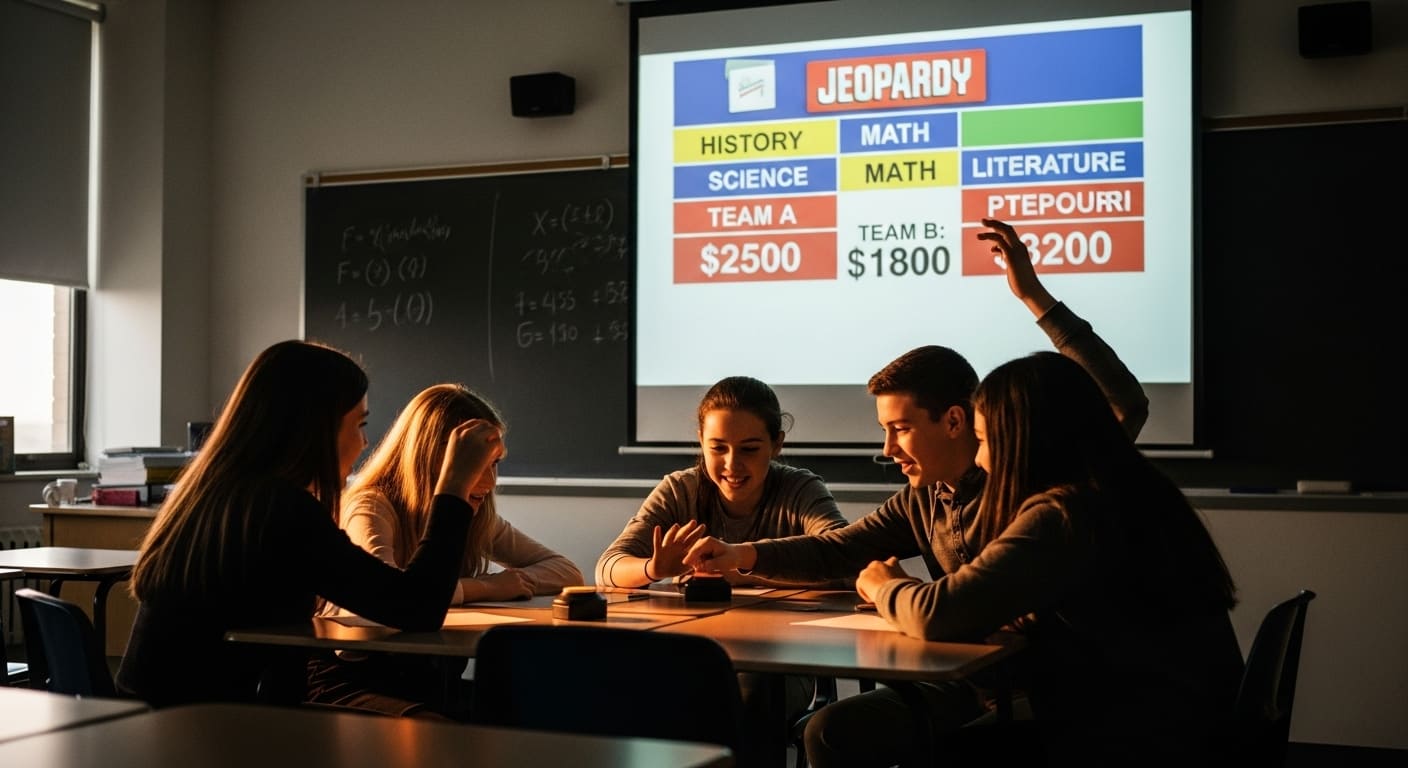 A classic for a reason, the Jeopardy review format is perfect for middle school and interactive review games end of year for high school students because it allows for complex, multi-layered questions.
- How it Works: Create a grid with 5-6 unit categories (e.g., Algebra, World War I, Cell Biology) and point values (100, 200, 300, 400, 500). Teams select a category and a value. A correct answer earns points and the right to choose the next question. Incorrect answers deduct points, keeping the competition fierce. You can use a PowerPoint template or simply draw the grid on a whiteboard.
Game Idea #4 – “Student-Created Review Board Game”
 This is one of the most powerful student-favorite review games because it transfers ownership of the review process entirely to the students.
- How it Works: Divide students into small groups. Assign each group a unit or major topic from the year. Their task is to create a board game or card game that requires players to answer review questions to advance or win.
- Benefit: To create a high-quality question, the students must deeply understand the content, moving them beyond simple recall and into the higher levels of Bloom’s Taxonomy.
Top End-of-Year Review Games (Digital / Tech-Enabled)
When you need something fast, engaging, and packed with analytics, digital platforms are your best bet. This is where tools like Gimkit truly shine, making digital review game ideas for the end of the school year easy to implement.
Game Idea #6 – Gimkit “Year-in-Review” Kit
 If you want a digital review game for the end of the year that blends competitive gaming with learning, Gimkit is the ultimate platform. To compare it with another popular tool, see Which is Better: Gimkit or Blooket?.
- Set Up: Create one large “Kit” of questions covering the major concepts from all units. This becomes your Gimkit end-of-year review game master quiz. If you need some inspiration, check out our guide on Gimkit for High School strategies.
- Game Mode Ideas for High Engagement:
- Trust No One: A social deduction game (like Among Us) where students answer questions to earn currency to buy power-ups and vote out “Impostors.” Ideal for high schoolers who love strategy.
- Snowbrawl or Color Clash: High-action, competitive, and fun-focused modes where answering questions correctly earns you resources to tag or battle other players. Perfect for middle school energy.
- Boss Battle: Divide the class into teams working together to defeat a ‘boss’ by answering questions. This encourages collaboration and a shared goal (“All In” style play).
To get started quickly, be sure to check out our detailed guide on Exploring Gimkit’s Game Modes to find the perfect fit for your class’s personality.
Game Idea #7 – Escape-Room Style Review on Tablets
 This high-level activity works well for older students (middle and high school) and makes the final review feel like an intellectual adventure.
- How it Works: Set up 4-5 stations. Each station requires teams to solve a content-based challenge (e.g., a complex math problem, a historical primary source analysis, a vocab code). The answer to the challenge unlocks the “code” (e.g., a four-digit number, a keyword) to proceed to the next station, often via a Google Form or a locked box.
- Tech Twist: Use a digital quiz platform to generate the code. For example, a student must get all 5 questions in the “Ecology Unit” correct to get the final five-letter answer that serves as the lock code.
Game Idea #9 – Student-Created Digital Review Game
 Similar to the board game idea, but leveraging tech! This is a fantastic interactive review game end of year project.
- How it Works: Students use a digital quiz platform (like Gimkit, Quizizz, or Kahoot) to build a review game kit for a specific unit. They have to research the questions, write the answers, and often test the game themselves.
- Benefit: This is powerful because teaching is the highest form of learning. When they create the game, they master the content. Then, the class can play the student-created review games at the end of the year in the classroom.
Grade-Level Adaptations & Differentiation
Not all games fit all grades. Here’s a quick guide to tailoring your end-of-year review activities.
Elementary (K-5)
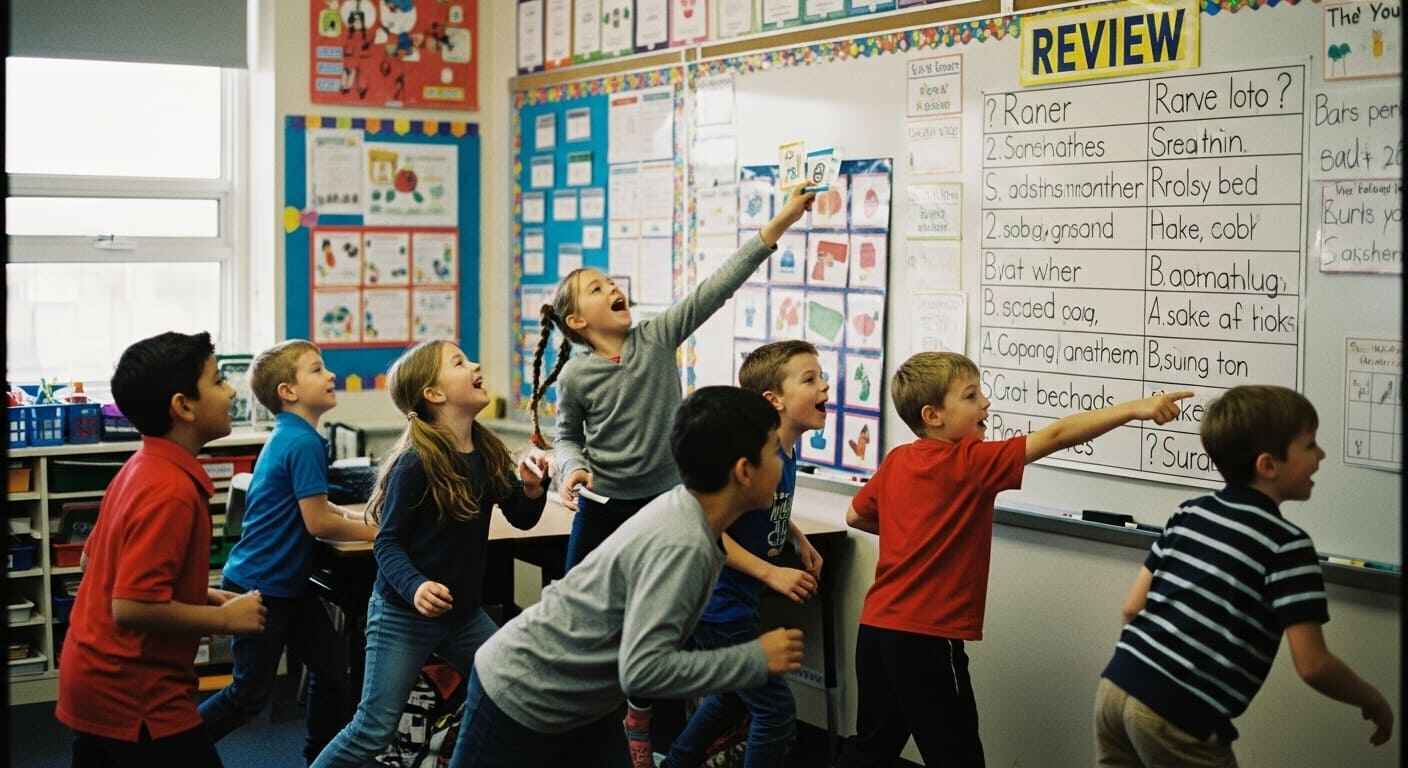 Focus on high movement, clear visuals, and simple rules. Games like Trash-ketball and Review Bingo (using vocabulary words instead of numbers) are perfect. Keep the competition light and emphasize participation. Use plenty of review questions with imagery or simple matching. Check out specific tips for Gimkit in Elementary Schools.
Middle School (6-8)
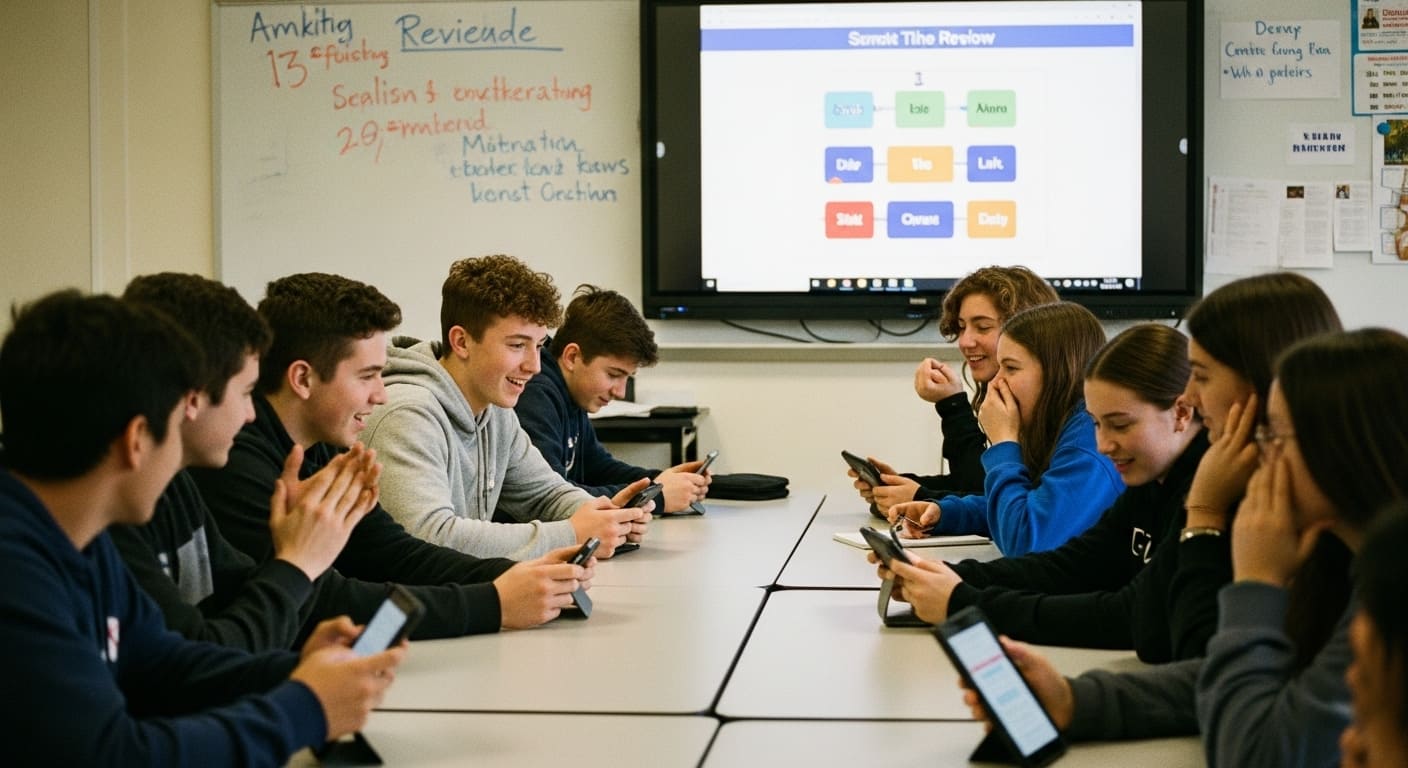 Students love moderate competition and are ready for strategic digital games. This is the sweet spot for the high-energy Gimkit modes like Snowbrawl or a competitive Jeopardy format. Team structures are often highly motivating for this age group. Find more tailored ideas in Gimkit for Middle School.
High School (9-12)
 Focus on subject-specific depth and gamified challenge rounds. They can handle more complex review games, including the social deduction and strategy elements of Gimkit’s Trust No One or a comprehensive, fast-paced Quiz Platform Remix to prep for finals. High school students respond well to points and leaderboards that reflect mastery. For advanced use, you might find our guide on Gimkit for High Stakes Test valuable.
Remote/Hybrid Classrooms
 Digital games are your best friend here! Use platforms that adapt easily:
- Synchronous: Use Zoom/Teams breakout rooms for team discussions on a question, then bring them back to the main room for the digital game launch. Learn more about running Gimkit Games on Zoom/Google Meet.
- Asynchronous: Assign Gimkit as homework or set up a self-paced scavenger hunt using Google Forms clues.
Teacher Prep Checklist & Timing Tips
To successfully execute these end-of-year review games for teachers prepping final week, a little organization goes a long way.
Timeline: One Week Ahead
- Pick Your Game: Decide on 1-2 main games. Don’t try to squeeze in too many.
- Prepare Questions/Tasks: Create your master list of questions.
- Gather Materials: Print any required cards, charge tablets, and test the Gimkit connection!
Running the Game Day(s)
- Rules Briefing: Always start with a 60-second, crystal-clear explanation of the rules, points, and end goal.
- Team Formation: For competition, mix high and low-achieving students to ensure balanced teams (and peer-to-peer learning).
- Game Flow & Time-Keeping: Use a visual timer. Keep the pace quick—if a round drags, students lose interest.
Reflection & Wrap-Up
 Don’t let the fun end without a takeaway! Briefly debrief the outcomes. Ask: “What topic did your team struggle with the most?” Use the answers (or the Gimkit analytics report!) to guide your final moments of instruction.
Conclusion
The final weeks of school should be a time of celebration, not a slog. By implementing end-of-year review games that students actually want to play, you are not only reinforcing crucial academic content but also building positive, memorable experiences.
Take the plunge, crumple up that paper for a round of Trash-ketball, or dive into a chaotic, fun-filled session of Gimkit. Your students—and their final test scores—will thank you for making the last week the most engaging one yet.
What review game did YOUR students love this year? Share your favorite memory in the comments below!
FAQ – Common Questions
What if my students hate games?
Students rarely hate games; they usually hate boring activities disguised as games. If you have reluctant learners, choose a low-pressure game like Scoot, where they work individually but move, or Build Your Own Review Board Game, which transfers control and creativity to them.
How many questions should I include?
Can I reuse this game next year?
Absolutely. Digital platforms like Gimkit make question re-use seamless. For analog games, save your question cards, but be ready to adapt the rules for next year’s cohort. Each class has its own personality!
How do I integrate Gimkit modes into these review games?
Gimkit is fantastic for review because it offers so many modes. For a year-end review, use a mode like Boss Battle (collaborative review of all content) or Trust No One (strategic, high-engagement review of major vocabulary/concepts). You can also look into modes like Fishtopia Gimkit for a more relaxed, but still academic, session.





