






















Gimkit makes your classroom buzz. It really energizes the students. Kids get excited. Review time feels dynamic. (Learning Gimkit’s full features will help you even more.) But are your quizzes truly challenging young minds? Do students really think deeply? Remembering facts is important. True understanding means using what you know. A simple multiple-choice question often falls short. It does not show real understanding. It is time for something more. We need to go past basic facts.
We will talk about crafting scenario-based questions, Gimkit style. Think about giving kids a mini-story. Maybe it is a real-world problem. It could be a small case study Gimkit activity. Then, you ask them to use their learning. They figure out the answer. These are not “What is the capital of X?” questions. These are “Given X, what should you do next?” questions. They ask for more thought. They make students use their knowledge. They make them look closely at situations. They make them solve problems. This guide will show you how to do this.
The Power of Gimkit Scenario Questions
Why should you ask these kinds of questions? They change learning. They help students move past just remembering things. They push them into deeper engagement with your subject.
Activating Higher-Order Thinking (HOTS)
 Think about how our brains work. Remembering a fact is one thing. Using that fact in a new situation is another. Gimkit scenario questions are great for this. They naturally push students to higher-order thinking with Gimkit. (Learn more about designing higher-order thinking questions in Gimkit.) Students must apply the questions to the info. They have to use analytical thinking. They must evaluate choices to find the best answer. This builds real critical thinking skills. It means they do not just repeat what they read. They show you they can truly use it.
Fostering Real-World Application Questions
 Students often ask, “When will I ever use this?” Scenario-based questions answer that question. They are a form of authentic assessment. They link school lessons to real life. You might give them a history problem. You might share a science experiment that went wrong. You might show a real math problem. This makes learning important. Students see the value. They understand that the information matters. This makes knowledge more meaningful. It helps them build strong connections.
Revealing Deeper Assessment Gimkit (and Misconceptions)
 A student can often recall a fact. They might not fully get it. A simple true/false question might not catch this. But you can ask them to use that fact. Put it in a case study, Gimkit question. Their true understanding will show. They have to show their thought process. If they cannot use the knowledge, there is a gap. This helps you as a teacher. It shows you where students struggle. It helps you fix wrong ideas. It allows for a deeper assessment Gimkit can offer. (This method fits well with Gimkit for formative assessment goals.)
Boosting Engagement & Gimkit Critical Thinking Questions
 Let’s be honest. Solving a mini-puzzle is often more fun. A real-world problem is also engaging. There is a challenge. There is a story. This makes problem-solving Gimkit questions exciting. Students act like detectives. They become decision-makers. This active thinking boosts engagement. They are not just listening. They are doing things. This is key for developing critical thinking skills.
Anatomy of an Effective Gimkit Scenario Question
Crafting scenario-based questions, Gimkit style, takes some planning. But it is very rewarding. Here is a simple plan to follow. It helps break things down.
The Scenario (The Story/Problem)
 This is the main part of your question. It sets the scene. It gives the background. It should be a small story. Or it could be a brief problem.
- Tips for creating the scenario:
- Keep it short: Give just enough detail. Do not add extra stuff. Too much info can confuse kids. Gimkit works best with quick, clear stories.
- Use things kids know: Connect to things students might see. This makes it more interesting. It makes the problem feel real.
- It can be different: A story can just be words. It can be a picture with a short text. It could even be a simple table or a graph.
- Focus on key info: What facts do students need? Make them clear.
- Example (Science):
- “A student sets up an experiment. They want to test the effect on plant growth. Plant A gets 12 hours of light. Plant B gets 6 hours. Plant C stays in the darkness. All plants get the same water. They are at the same temperature.”
The Question Prompt (The Challenge)
 This is what you ask students to do with the story. It should be very clear. It should use action words.
- Tips for writing the prompt:
- State the task clearly: What do you want students to look at? What do you want them to guess? Do they need to judge? Maybe they need to find something specific.
- Use action words: Words like “Analyze.” “Predict.” “Evaluate.” “Identify.” “Based on this information.” “What is the best way to…” These tell students how to think.
- Link directly to the story: The question needs the story to be answered.
- Example (Science Prompt for the above scenario):Given this experiment, which plant is the control group?”
The Answer Choices (Believable & Exact)
 Here you show students the possible answers. One answer should be right. The others should seem real.
- Tips for creating answer choices:
-
- One clear, correct answer: There should be no confusion. The right answer must be obviously correct. It must fit the story and what you teach.
- Wrong answers should seem possible: Do not use silly answers. Think about common mistakes. What might a student choose who almost understands? These wrong answers help you find misunderstandings.
- Keep them short: Long, complex answers can be frustrating. Especially in a fast game.
-
- Example (Science Choices for the above scenario):
- A) Plant A
- B) Plant B
- C) Plant C
- D) There is no control group.
Crafting Gimkit Scenario Questions Across Subjects (Examples!)
Now let’s see how to bring the Gimkit application questions to life in different subjects. These examples will help you with designing complex questions in Gimkit.
Science: Looking at Experiments & Processes
 Science is perfect for Gimkit science problem-solving questions. Students can look at experiments. They can trace cause and effect. They can understand data.
- Type: Scientific Method, Cause & Effect, Data Reading, Lab Work.
- Gimkit Example:
- Scenario: “A clear liquid is in a beaker. We do not know what it is. A drop of litmus paper goes in. It turns red. The student adds baking soda. The litmus paper slowly turns blue.”
- Question: “What best describes the first clear liquid based on these observations?”
- Choices: A) Acid; B) Base; C) Neutral; D) Salt water.
- Why it works: Kids must use what they know about acids and bases. They apply this knowledge. It is not just remembering words.
Social Studies/History: Understanding Events & Choices
 History and social studies have many chances for history case study questions that Gimkit can use. Students can understand events. They can look at the rules. They can even make choices like people from the past.
- Type: History Cause/Effect, Rule Analysis, Making Decisions, Old Document Reading.
- Gimkit Example:
- Scenario: “World War I ended. The Treaty of Versailles put hard rules on Germany. The treaty also made Germany’s army very small. It took land away. Many Germans felt ashamed. Their economy was very bad.”
- Question: “What was a likely direct result in Germany after this treaty was signed?”
- Choices: A) Good economy; B) Stable government; C) Very high prices and anger; D) More international teamwork.
- Why it works: Students must look at history. They guess what might happen next. They link events to what comes after. This is moving beyond recall in Gimkit.
English Language Arts (ELA): Looking at Texts & Word Tricks
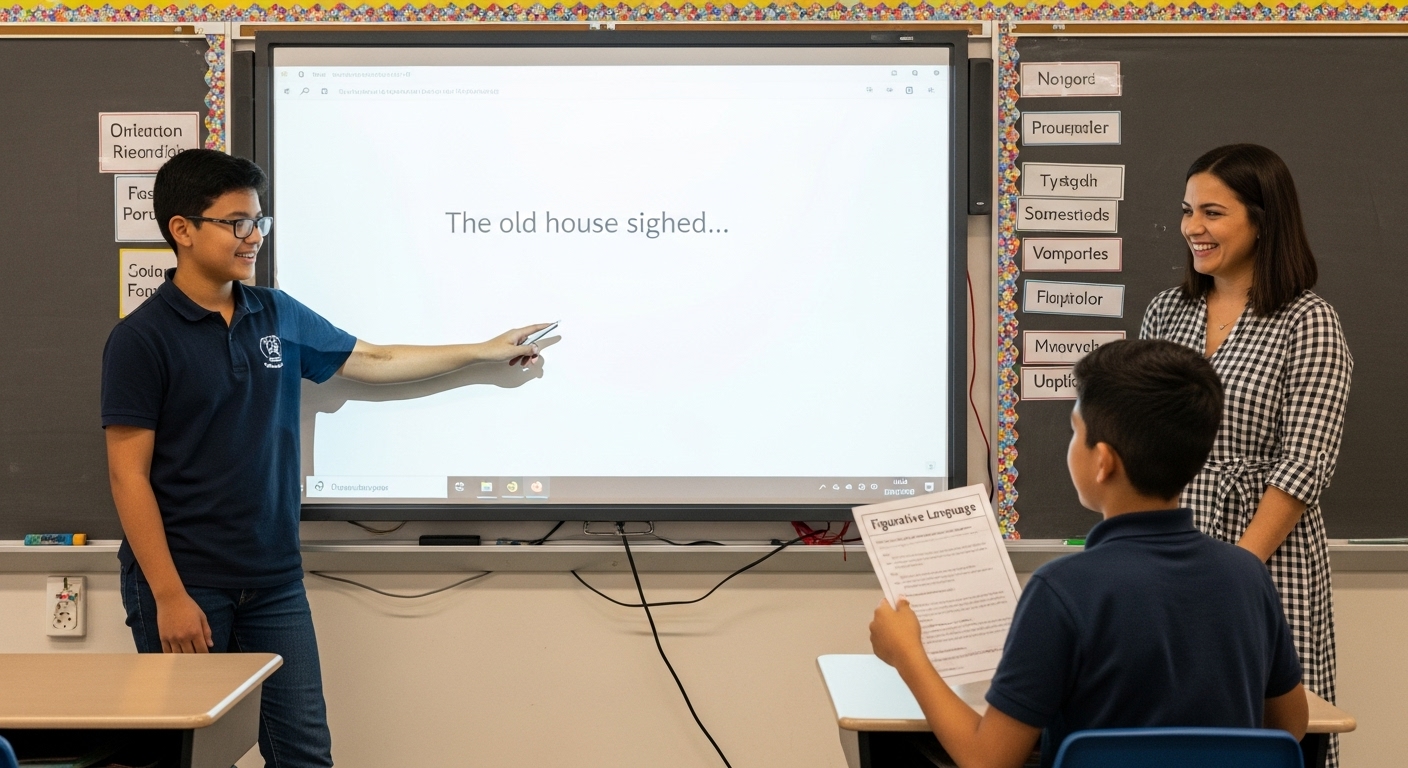 ELA can also use stories. Students can look at short texts. They can find word tricks in context. They can even guess why characters do things.
- Type: Character Study, Finding the Main Idea, Using Figurative Language, Text Proof.
- Gimkit Example:
- Scenario: “Read this sentence: ‘The old house sighed as the storm raged outside. Its windows wept tears of rain.'”
- Question: “What word trick is shown best in this sentence?”
- Choices: A) Metaphor; B) Simile; C) Personification; D) Alliteration.
- Why it works: Students must use their knowledge of word tricks. They apply it to a real sentence. It is not just remembering definitions.
Math: Solving Real-World Problems
 Math fits well with problem-solving Gimkit questions. Word problems are excellent. Multi-step math problems. Understanding graphs.
- Type: Word Problems, Steps to Solve, Reading Graphs/Charts, Geometry Use.
- Gimkit Example:
- Scenario: “Sarah has $50. She goes to the bookstore. She buys a novel for $15. Later, she buys coffee for $4. Her friend then gives her back $10 that she owed.”
- Question: “How much money does Sarah have to save for a new video game?”
- Choices: A) $31; B) $35; C) $29; D) $41.
- Why it works: This needs many steps. Adding and taking away. It uses math skills in a simple money story. (This method aligns with strategies for problem-based learning.)
Tips for Implementing Scenario-Based Questions in Gimkit
Crafting scenario-based questions, Gimkit style, is a skill. Here are some quick tips. These will help you make it work in your classroom.
Start Simple: Begin with short, easy stories.
 Do not jump to very long case study Gimkit questions right away. Start with one or two sentences. Make the question clear. This helps students get used to it. It builds their confidence. You can make it harder later.
Use Images Smartly: Make things clear and real.
 Your story might have a picture. Maybe a graph. Or a visual clue. Put it in the question. This makes it more fun. It also helps explain things. A picture of a plant or an old map makes a story feel real.
Keep It Short: Do not use too many words.
 It is a “scenario.” But remember, Gimkit is fast. Too many words can make kids bored. It can be hard to read on small phones. Be clear and quick. Get to the main point fast.
Connect to Learning Goals: Check specific learning.
 Every story should check a specific learning goal. It should not be general knowledge. What do you want them to use? What skill do you want them to show? Every question should have a reason. This makes your check meaningful.
Use “The Art of the Debrief”: Make understanding stronger.
 These harder questions need to be talked about. Playing the game is just the start. Talking about these questions after the game is very important. It makes understanding stronger. It fixes wrong ideas. Use our guide on the Art of the debrief to make this step the best.
Review and Improve: Test for clarity. Avoid confusion.
 Always test your Gimkit scenario questions. Play them yourself. Ask a friend to try them. You can even ask a small group of students before a big game. This helps you make sure they are clear. It helps you avoid confusing words. It finds any unclear answers.
Conclusion: Turning Tests into Deeper Learning
We have talked about crafting scenario-based questions that Gimkit can use. It is a powerful way to go beyond basic facts. It creates problem-solving Gimkit questions. It allows for deeper Gimkit application questions. This way of doing things truly pushes students. It makes them use their knowledge. They look at situations. They figure out answers.
You put time into making these thought-provoking questions. This will change your Gimkit games. They become active learning experiences. They truly challenge students. They build lasting understanding. This is how you are moving beyond recall in Gimkit. You make students ready for real-world success.
Now, it’s your turn! What Gimkit scenario questions have you used in class? Share your tips for case study Gimkit or problem-solving Gimkit questions below!
Frequently Asked Questions About Gimkit Scenario Questions
Q: How do scenario-based questions in Gimkit benefit students more than simple recall questions?
A: Gimkit scenario questions test more than memory. They make students use what they learned. They apply it to new situations. They look closely at details. They think about different choices. This active thinking leads to deeper understanding. It helps them connect to real-world problems. It shows true understanding. It is not just remembering words. It makes them ready for tough problems.
Q: Can I use scenario questions for all subjects and grade levels?
A: Yes, you sure can! We showed science examples. We showed history. We showed ELA and math. The plan for crafting scenario-based questions, Gimkit style, works for many topics. You can change them for younger kids. Use simpler words. Use easier stories. For older kids, make it harder. Add more details. The main idea is to match the story and question to your topic. Also, match it to how your students learn.
Q: Do scenario questions take a lot longer to create than basic fact questions?
A: At first, yes. They might take a bit more thought. They might take a bit more time. You are making a small story or a problem. But it really helps students learn more. It keeps them engaged. This often makes the extra time worth it. Once you learn the “Anatomy” plan, it will get much faster. You can also use these questions again.
Q: What if my students struggle to read or understand the scenarios quickly in Gimkit?
A: Many teachers worry about this. Gimkit is fast. To help, you can:
- Start easy: Begin with very short stories. Make them very clear.
- Read out loud: For younger students, read the story and the question. Do this before the timer starts.
- Use pictures: Put images or charts in the question. This helps share info fast. It makes things look real.
- Practice: Over time, kids will get better at reading these stories quickly.
- Talk about it: Always discuss harder questions after the game.
Q: How can I ensure the correct answer isn’t too obvious or too obscure in a scenario question?
A: This is about making good wrong answers. The right answer should be clear. It must come from the story. It must be what you taught. The wrong answers should seem possible. They should be common mistakes. These are things kids might choose if they only partly get it. Do not use answers that are clearly wrong. Do not use answers that have nothing to do with it. Play the questions yourself. Ask a friend to try them. Get ideas on how clear and fair they are.






